College application research evidence · understanding and original contribution · Seoul and online
Project courseThe student keeps the work and the record they made.
Scratch & Block Coding Foundations
Placement by readiness: sprites controlled by the...
Where this course comes fromThe universities and labs named here made the open projects or materials this course draws on. CIT designed the course independently; it is not an official, affiliated, or endorsed course of those institutions.
- MITTool used in class
- Free consultation and level check
- Apgujeong classroom or online
- One-to-one or small group
- Registered academy no. 11882

Is Scratch & Block Coding Foundations a good fit for students placed by current readiness?
Scratch & Block Coding Foundations is a good fit for students whose starting point should be set by current readiness who are interested in sprites controlled by the keyboard and games with scores and timers. CIT offers online or in-person lessons in Apgujeong, Gangnam, Seoul, in one-to-one or small-group formats. Students make unit-by-unit Scratch project files, a paper game plan, and a finished game with a spoken walkthrough.
The course runs on MIT Scratch, made by MIT. Students put sprites on the stage, move them with x and y coordinates and turn blocks, and draw shapes with repeat blocks and the pen. Condition and sensing blocks respond to the keyboard and mouse, variables track scores and timers, each clone gets its own speed, and broadcast messages switch scenes. The course ends with a game planned on paper, built to that plan, fixed where it breaks its own rules, and presented in the student's own words. The student then designs and tests an extension of their own: a new question, feature, model, interface, or solution. In an application or interview, the student separates the source research from their own decisions, results, failed attempts, revisions, and limits.
Google sign-in is required. Existing account permissions determine access.
The director and the teacher handled the consultation so well that my child said they wanted to take the Python course.
- Age group
- Placement by readiness
- Academic subject
- Computer Science & CodingBrowse subject
- Course type
- Course
- Format
- Online or Apgujeong in person · one-to-one or small group
- Teaching language
- Korean by default, with complete English materials
- Curriculum status
- Lesson-readyEvery learning item includes the evidence, worked example, practical work, and tutor guidance required by CIT's lesson-ready standard.
From open research to student-owned work
Students inspect a relevant public source, reproduce the idea, then add an original question, feature, or test. The material this course reads was made at MIT. Names identify the source, not affiliation or endorsement.
- MITTool used in class
How can I explain this course to my child?
If questions about sprites controlled by the keyboard or games with scores and timers keep making you ask why, Scratch & Block Coding Foundations lets you investigate the question with evidence, then build and defend an extension of your own.
Which interests suggest this course?
- sprites controlled by the keyboard
- games with scores and timers
- clones and broadcast messages
What does the student finish?Unit-by-unit Scratch project files, a paper game plan, and a finished game with a spoken walkthrough.
Is this a good fit?
A strong fit for students who want to create software, strengthen CS fundamentals, or prepare for a computing course or competition.
Placement follows a short readiness check.
Beginners may start with guided templates.
More experienced students receive a deeper implementation path.
What will my child learn?
- Set position and direction with x and y coordinates and turn blocks, and count how often the blocks inside a loop run.
- Split actions with if-then blocks and sensing blocks that detect key presses and touching.
- Compare variables that each clone keeps for itself with variables shared by all sprites.
- Organize scene changes and repeated actions with broadcasts and My Blocks, and add costume changes that still work with the sound off.
- MITTool used in class
How does the course progress?
- 1Stage and Sprites
Put sprites on the stage, start and stop them, and set position and direction with x and y coordinates and turn blocks.
- 2Sequence and Loops
Check that blocks run top to bottom, time actions with wait blocks, and draw shapes with repeat blocks and the pen.
- 3Conditions and Sensing
Branch with if-then blocks and sense key presses, touching walls or sprites, and the mouse position.
- 4Variables, Scores, and Clones
Show the score and time left with variables, and write game rules in which each clone moves at its own speed.
- 5Broadcasts, My Blocks, Sounds, and Costumes
Switch scenes with broadcasts, bundle repeated actions into My Blocks, and mark scoring moments with sounds and costumes.
- 6Final Project
Plan rules, screens, sprites, and variables on paper, then build the game to plan, fix it, and present it.
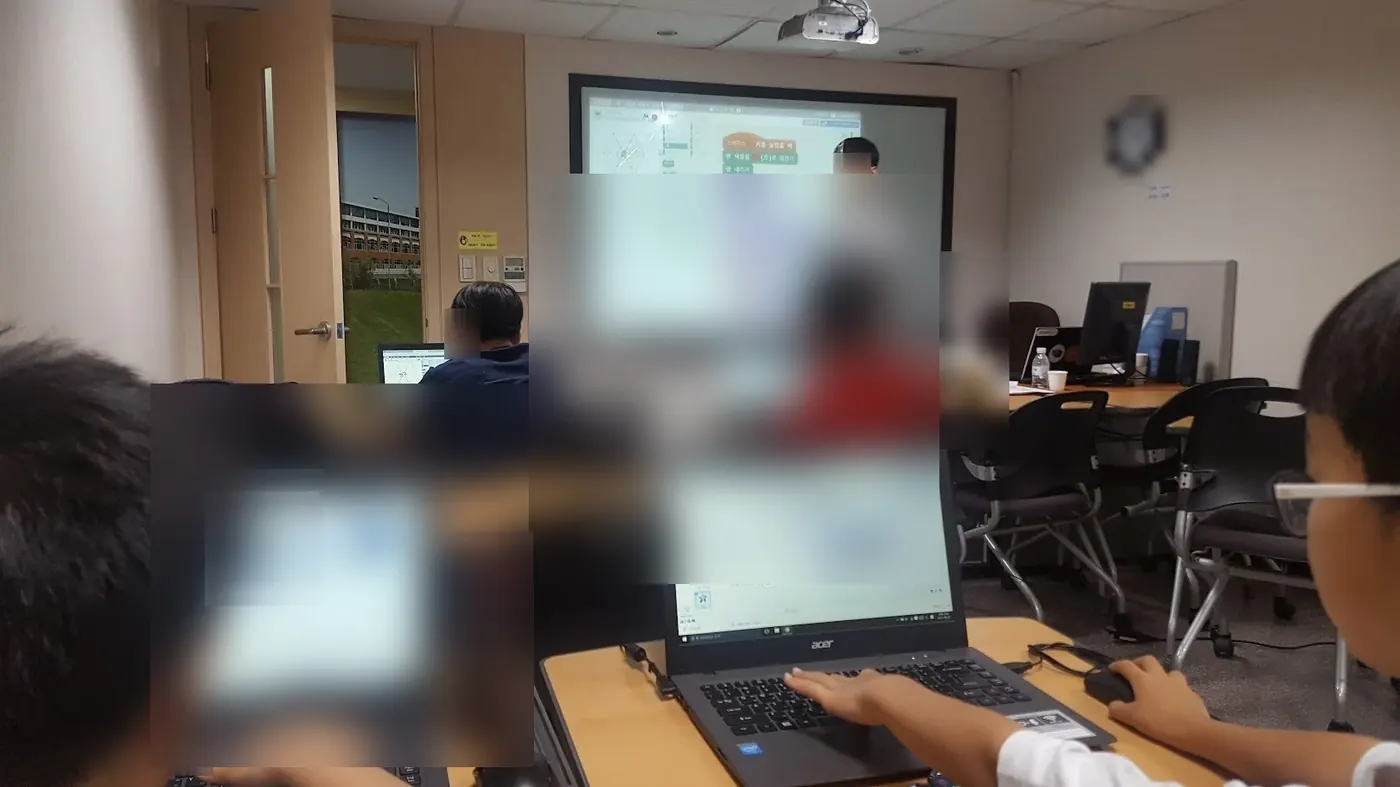
What counts as useful evidence?
Unit-by-unit Scratch project files, a paper game plan, and a finished game with a spoken walkthrough.
What should an admissions reader be able to see?
The course runs on MIT Scratch, made by MIT. The student designs and tests features, models, and screens of their own with it. In an application or interview, the student separates the tool they used from their own decisions, results, failed attempts, revisions, and limits.
Useful evidence may include readable code, tests, version history, design choices, and a working product the student can explain.
These names identify who published the open project the course starts from. The evidence an application reads is what the student understood, completed, and can explain.
- MITTool used in class
Questions parents search before choosing this course
Is Scratch & Block Coding Foundations a good fit for students placed by current readiness?
Scratch & Block Coding Foundations is a good fit for students whose starting point should be set by current readiness who are interested in sprites controlled by the keyboard and games with scores and timers. CIT offers online or in-person lessons in Apgujeong, Gangnam, Seoul, in one-to-one or small-group formats. Students make unit-by-unit Scratch project files, a paper game plan, and a finished game with a spoken walkthrough.
Can my child take Scratch & Block Coding Foundations online or in person, one-to-one or in a small group?
Yes. CIT offers online and in-person lessons at its Apgujeong academy in Gangnam, Seoul, with one-to-one and small-group options. A readiness consultation confirms the available format and starting point for the course.
Does my child need prior subject knowledge or coding experience for Scratch & Block Coding Foundations?
Placement follows a short readiness check. Beginners may start with guided templates. More experienced students receive a deeper implementation path.
What will my child make or practice in Scratch & Block Coding Foundations?
The main evidence is unit-by-unit Scratch project files, a paper game plan, and a finished game with a spoken walkthrough. Students also document decisions, tests, feedback, and limits in age-appropriate language.
How can Scratch & Block Coding Foundations show research understanding in a college application?
The course runs on MIT Scratch, made by MIT. The student designs and tests features, models, and screens of their own with it. In an application or interview, the student separates the tool they used from their own decisions, results, failed attempts, revisions, and limits. Useful evidence may include readable code, tests, version history, design choices, and a working product the student can explain.
How are the schedule and tuition for Scratch & Block Coding Foundations determined?
CIT confirms the student's readiness, goal, location, class size, and current availability before recommending a course plan. The consultation and level check are free; tuition is explained before enrollment.
When should a student start?
There is no fixed intake month. CIT reviews the student's current school term, readiness, and available hours, then names the point in the course where they should begin.
My child loved that the teacher explained things really well and made the lesson enjoyable. We are very glad too.
Where else parents check CIT
Choose the course after a readiness check
CIT can compare this course with nearby options by age, subject, and current preparation.