College application research evidence · understanding and original contribution · Seoul and online
Project courseThe student keeps the work and the record they made.
AI Product Builder: Planning, UX & Development
Placement by readiness: user problems and interviews...
- Free consultation and level check
- Apgujeong classroom or online
- One-to-one or small group
- Registered academy no. 11882

Is AI Product Builder: Planning, UX & Development a good fit for students placed by current readiness?
AI Product Builder: Planning, UX & Development is a good fit for students whose starting point should be set by current readiness who are interested in user problems and interviews and screen design in Figma. CIT offers online or in-person lessons in Apgujeong, Gangnam, Seoul, in one-to-one or small-group formats. Students make a problem statement with numbered success criteria, a clickable Figma screen set, and a PRD and developer handoff document.
Students define a problem through interviews and observation, asking who cannot do what and when, set numbered success criteria, and then build user flows, wireframes, and clickable screens in Figma. They learn the basics of GitHub repositories, APIs, and databases, judge AI API answers against the source text, and write a product requirements document (PRD) with feature specs and pass criteria. The course ends once user testing has shaped the screens and a handoff document is ready for developers; building the app itself continues in the next stage, Phase 02. The student sets their own question, then designs and tests a feature, model, interface, or solution of their own. In an application or interview, the student separates the material they drew on from their own decisions, results, failed attempts, revisions, and limits.
Google sign-in is required. Existing account permissions determine access.
My child loved that the teacher explained things really well and made the lesson enjoyable. We are very glad too.
- Age group
- Placement by readiness
- Academic subject
- Economics & Business, AI & Data, Arts, Media & DesignBrowse subject
- Course type
- Course
- Format
- Online or Apgujeong in person · one-to-one or small group
- Teaching language
- Korean by default, with complete English materials
- Curriculum status
- Learning studioA structured learning studio with goals, deliverables, and follow-up work is available. Tutors confirm supporting materials before delivery.
From open research to student-owned work
Students inspect a relevant public source, reproduce the idea, then add an original question, feature, or test. Every source is public, and each lesson names the exact page it opens.
How can I explain this course to my child?
If questions about user problems and interviews or screen design in Figma keep making you ask why, AI Product Builder: Planning, UX & Development lets you investigate the question with evidence, then build and defend an extension of your own.
Which interests suggest this course?
- user problems and interviews
- screen design in Figma
- the accuracy of AI features
What does the student finish?A problem statement with numbered success criteria, a clickable Figma screen set, and a PRD and developer handoff document.
Is this a good fit?
A strong fit for students considering economics, business, finance, entrepreneurship, policy, or product management.
Placement follows a short readiness check.
Beginners may start with guided templates.
More experienced students receive a deeper implementation path.
What will my child learn?
- Write a problem statement from interviews about past behavior and number its testable success criteria.
- Build clickable Figma screens with user flows, wireframes, and loading and error states.
- Read API requests and responses and database tables, then run a single HTML screen.
- Judge AI answers against cases with known answers and finalize each feature's pass criteria from test results.
How does the course progress?
- 1Product Thinking and Problem Definition
Interview users, survey current workarounds, write a problem statement with success criteria, and compare ideas, including one without AI.
- 2UI/UX Design
Build user flows, wireframes, rules for color, type, and spacing, components, and a clickable prototype in Figma.
- 3Technical Foundations: GitHub, APIs, Databases, and App Structure
Commits and pull requests, API requests and responses, tables and relationships, web versus installed apps, and a first HTML screen.
- 4AI Feature Design and First-Version Planning
Split work among AI, rules, and human review, check accuracy with a test set, and set the PRD and first-version scope.
- 5User Testing and Developer Collaboration
Plan and run user tests, fix the screens, and assemble a handoff document and portfolio with results for each criterion.
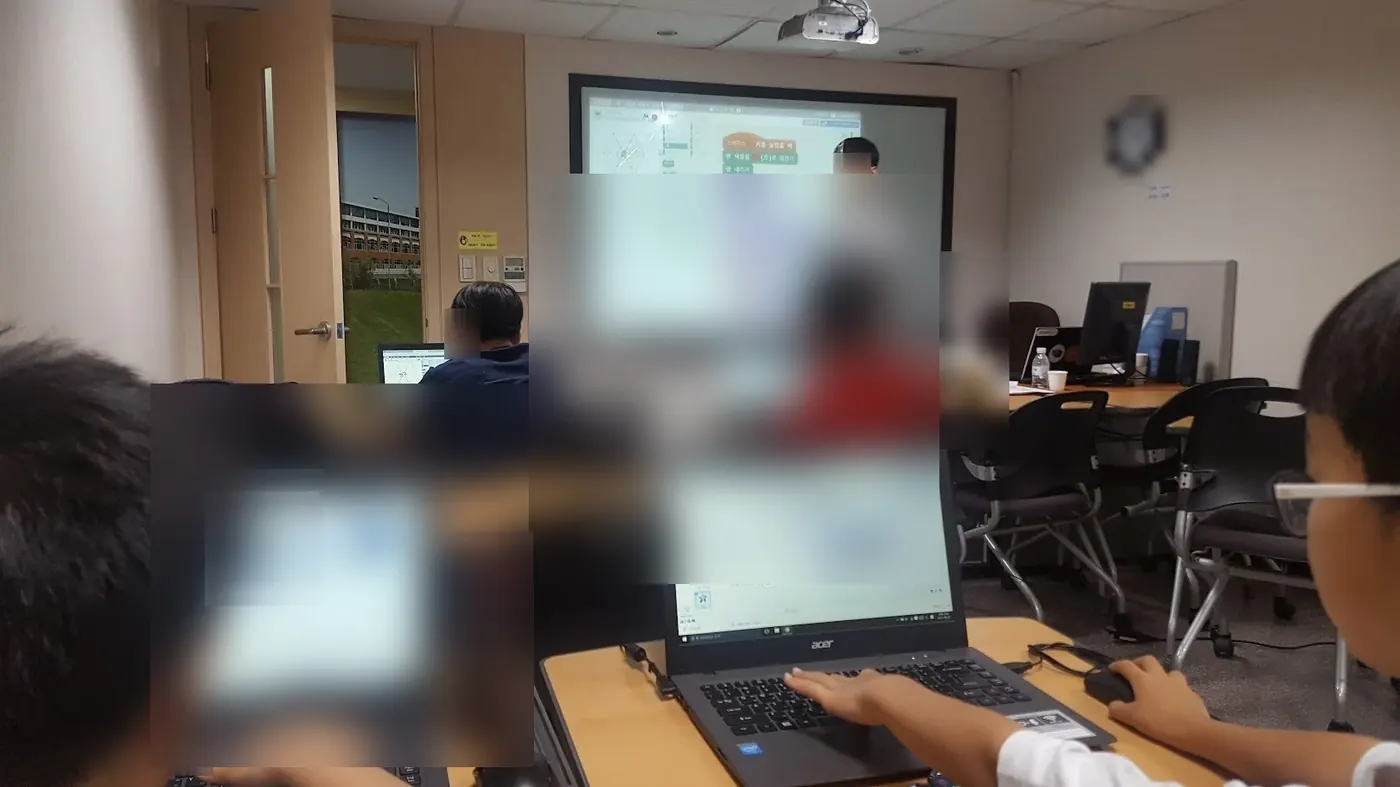
What counts as useful evidence?
A problem statement with numbered success criteria, a clickable Figma screen set, and a PRD and developer handoff document.
What should an admissions reader be able to see?
The student sets their own question, then designs and tests a feature, model, interface, or solution of their own. In an application or interview, the student separates the material they drew on from their own decisions, results, failed attempts, revisions, and limits.
Useful evidence may include a market analysis, policy model, data product, decision memo, or tested business idea. Claims should stay tied to the evidence.
The evidence an application reads is what the student understood, completed, and can explain.
Questions parents search before choosing this course
Is AI Product Builder: Planning, UX & Development a good fit for students placed by current readiness?
AI Product Builder: Planning, UX & Development is a good fit for students whose starting point should be set by current readiness who are interested in user problems and interviews and screen design in Figma. CIT offers online or in-person lessons in Apgujeong, Gangnam, Seoul, in one-to-one or small-group formats. Students make a problem statement with numbered success criteria, a clickable Figma screen set, and a PRD and developer handoff document.
Can my child take AI Product Builder: Planning, UX & Development online or in person, one-to-one or in a small group?
Yes. CIT offers online and in-person lessons at its Apgujeong academy in Gangnam, Seoul, with one-to-one and small-group options. A readiness consultation confirms the available format and starting point for the course.
Does my child need prior subject knowledge or coding experience for AI Product Builder: Planning, UX & Development?
Placement follows a short readiness check. Beginners may start with guided templates. More experienced students receive a deeper implementation path.
What will my child make or practice in AI Product Builder: Planning, UX & Development?
The main evidence is a problem statement with numbered success criteria, a clickable Figma screen set, and a PRD and developer handoff document. Students also document decisions, tests, feedback, and limits in age-appropriate language.
How can a student describe work from AI Product Builder: Planning, UX & Development in a college application?
The student sets their own question, then designs and tests a feature, model, interface, or solution of their own. In an application or interview, the student separates the material they drew on from their own decisions, results, failed attempts, revisions, and limits. Useful evidence may include a market analysis, policy model, data product, decision memo, or tested business idea. Claims should stay tied to the evidence.
How are the schedule and tuition for AI Product Builder: Planning, UX & Development determined?
CIT confirms the student's readiness, goal, location, class size, and current availability before recommending a course plan. The consultation and level check are free; tuition is explained before enrollment.
When should a student start?
There is no fixed intake month. CIT reviews the student's current school term, readiness, and available hours, then names the point in the course where they should begin.
The teachers are always attentive and considerate, so we feel comfortable trusting them with our child.
Where else parents check CIT
Choose the course after a readiness check
CIT can compare this course with nearby options by age, subject, and current preparation.